 SimplyShot
Many ways to capture. All-in-One bar.
Pick Area, Fullscreen, Window, Scrolling, Copy Text, or Record. From the bar’s settings, set a delay or adjust your area before you capture. Need the same spot again? Repeat Area grabs it in one go.
Land on the exact pixel.
Freeze the screen while you select, then let guide lines and a magnifier line up every edge.
- CGuide lines
- MMagnifier
- SpaceFreeze
Share the shot, not the secrets.
Sensitive info detection finds credentials, card numbers, faces, and more, right on your Mac. You choose what to hide.
- Credentials
- Credit Card
- Phone
- Address
- Face
- Barcode
Make it shine.
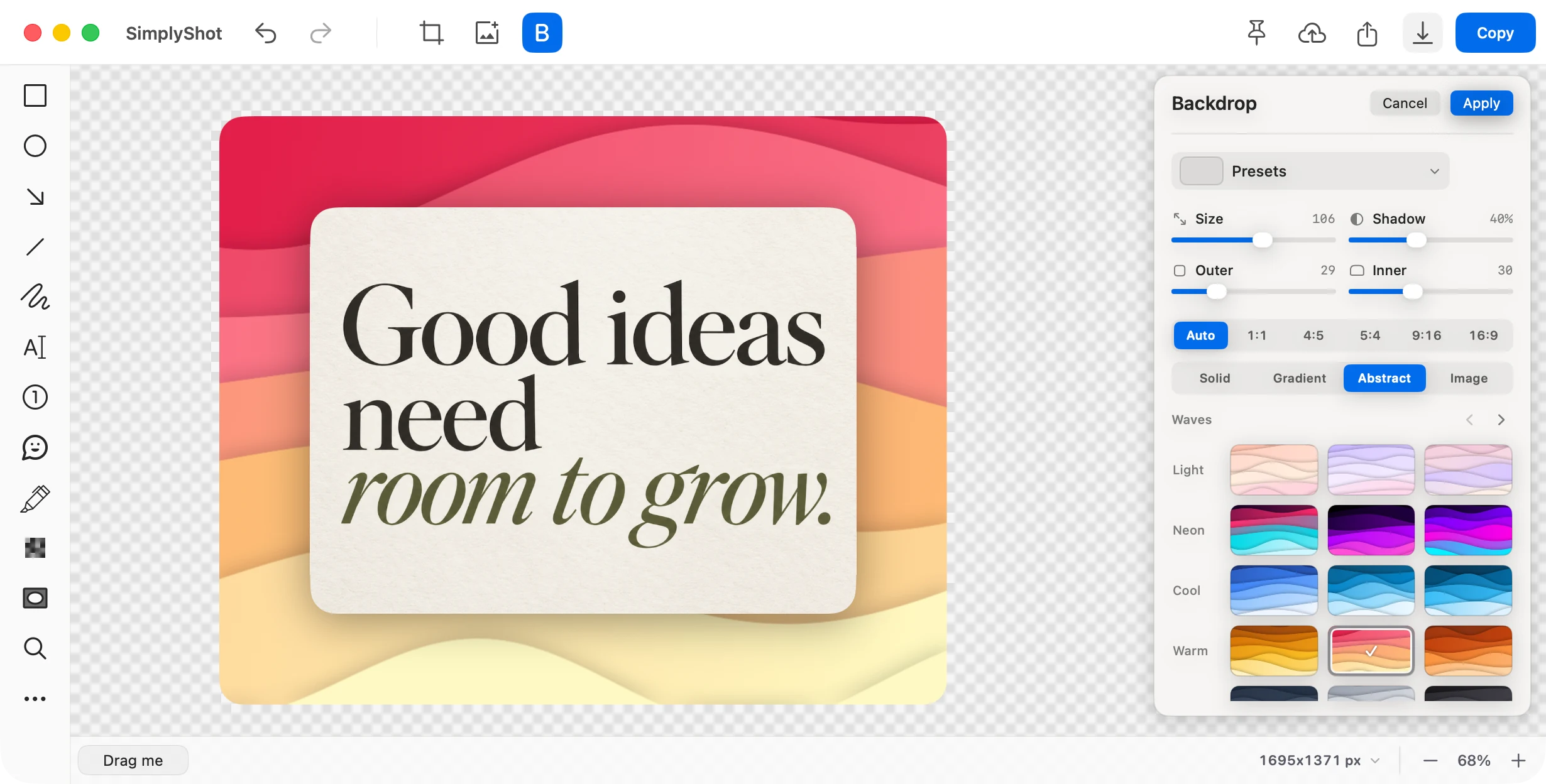
Put any capture on a gradient, a color, or an image. Tune the padding and shadow, then save it as a preset that window and area captures can use automatically.
Keep working.
Your capture stays useful after you take it.
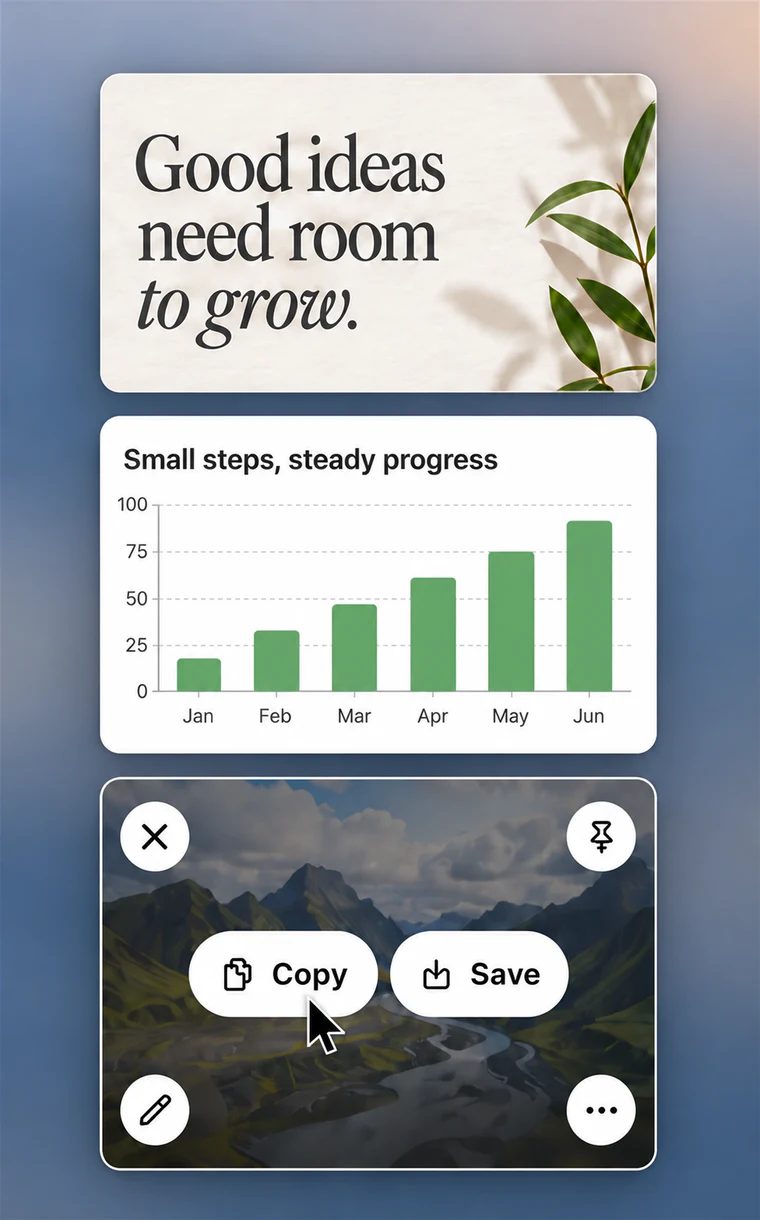
Quick Access
Your latest captures wait in a corner of the screen. Copy, save, edit, or drag one straight into another app.
Project files
Save a .simplyshot project and reopen it anytime. Nothing gets flattened, so you can keep editing.
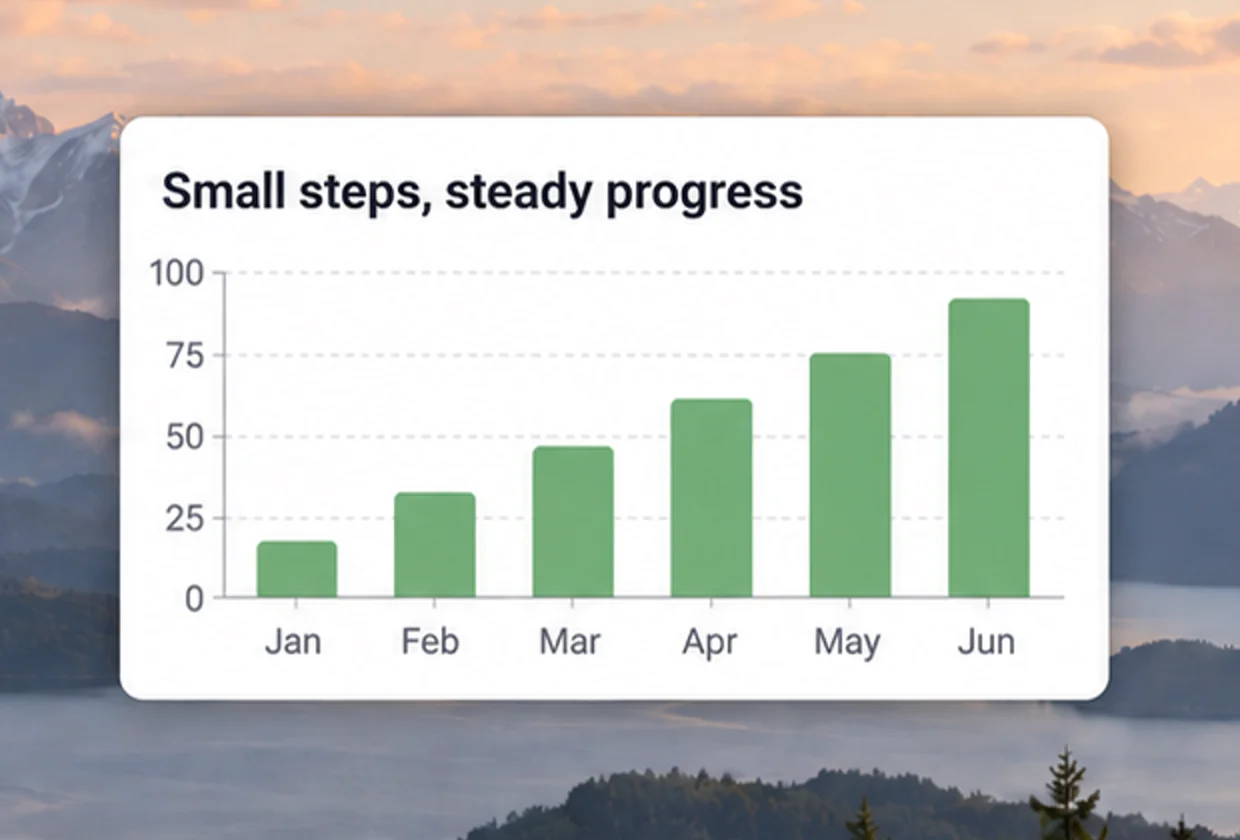
Pinned screenshots
Keep a reference on top of every window while you work. Resize it as you go.
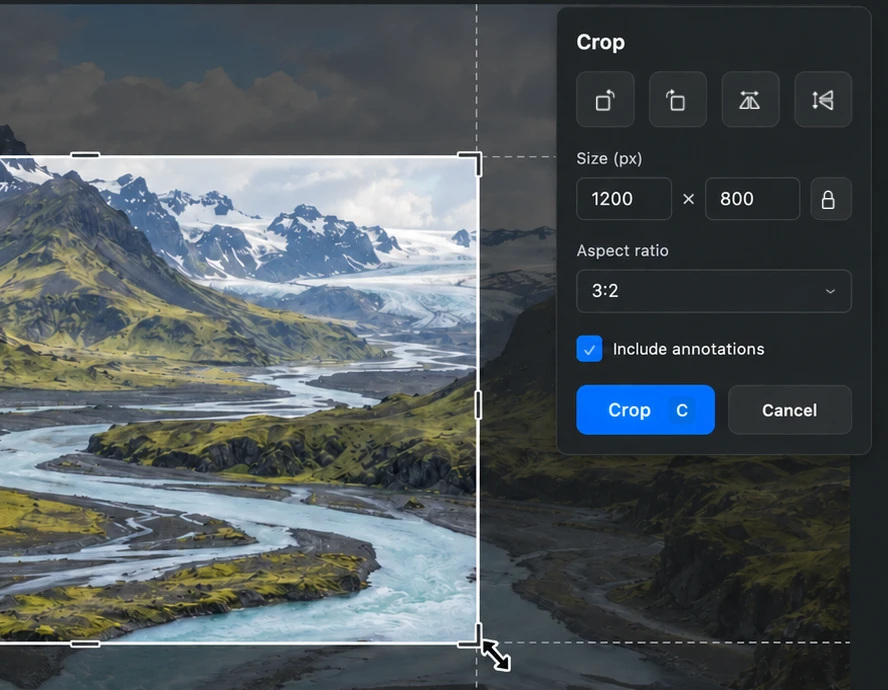
Crop & Resize
Crop to an exact size or aspect ratio, rotate or flip, then resize the whole image.
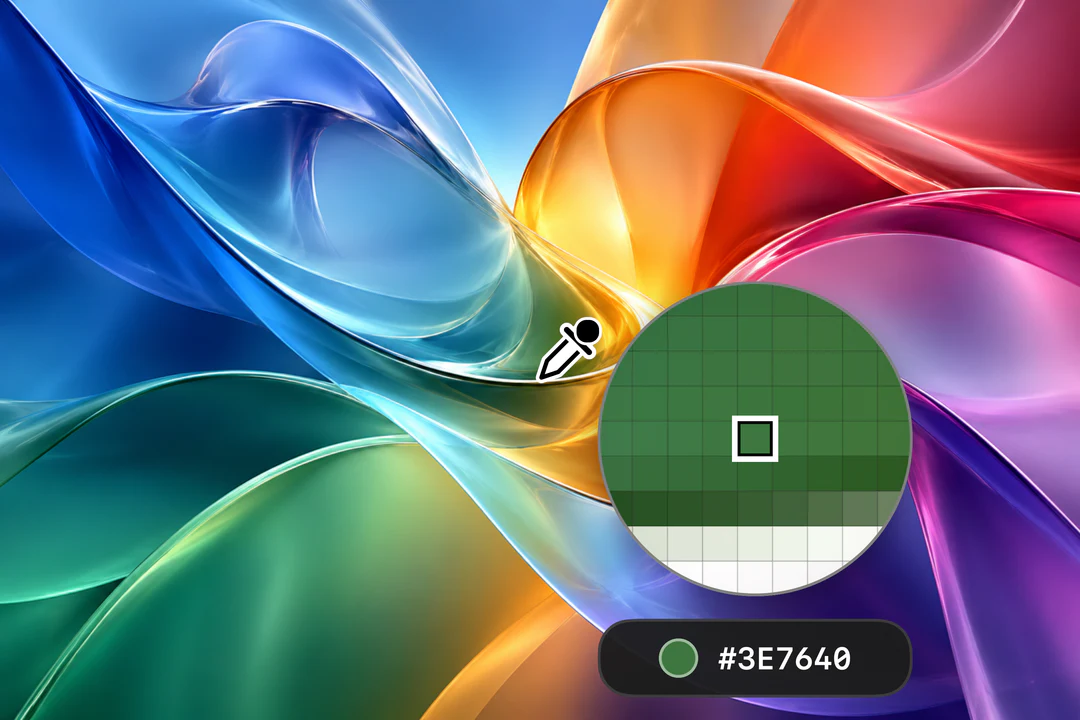
Color Picker
Click any pixel to copy its color as HEX, RGB, HSL, OKLCH, or SwiftUI code.
Find it. Pick up where you left off.
Search your captures on your Mac.
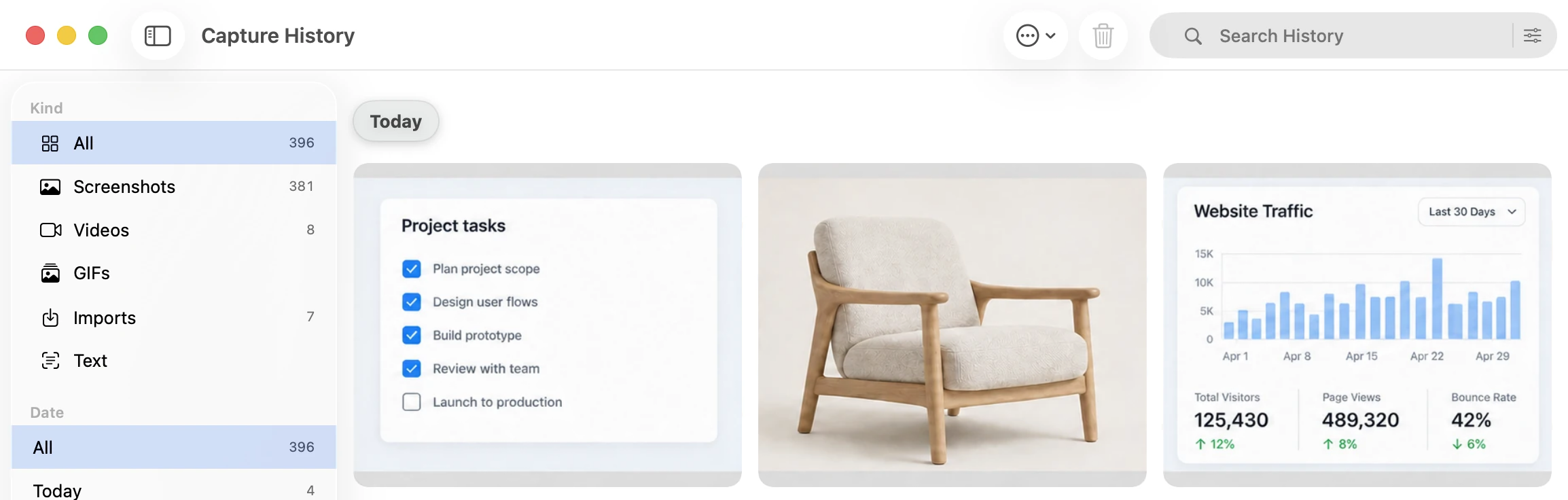
- Search the words inside, or find by meaning
- Filter by kind or date
- Kept on your Mac for a day, week, or month
Mark it up.
Every tool is one key away. Save your colors, strokes, and text styles as presets to reuse them. See all features
- ArrowA
- Rectangle & EllipseRE
- CounterN
- TextT
- HighlighterH
- SpotlightS
- MagnifierM
- RulerU
Ready for your next shot?
Download for MacmacOS 14.6+ No key needed to start.