 SimplyShot


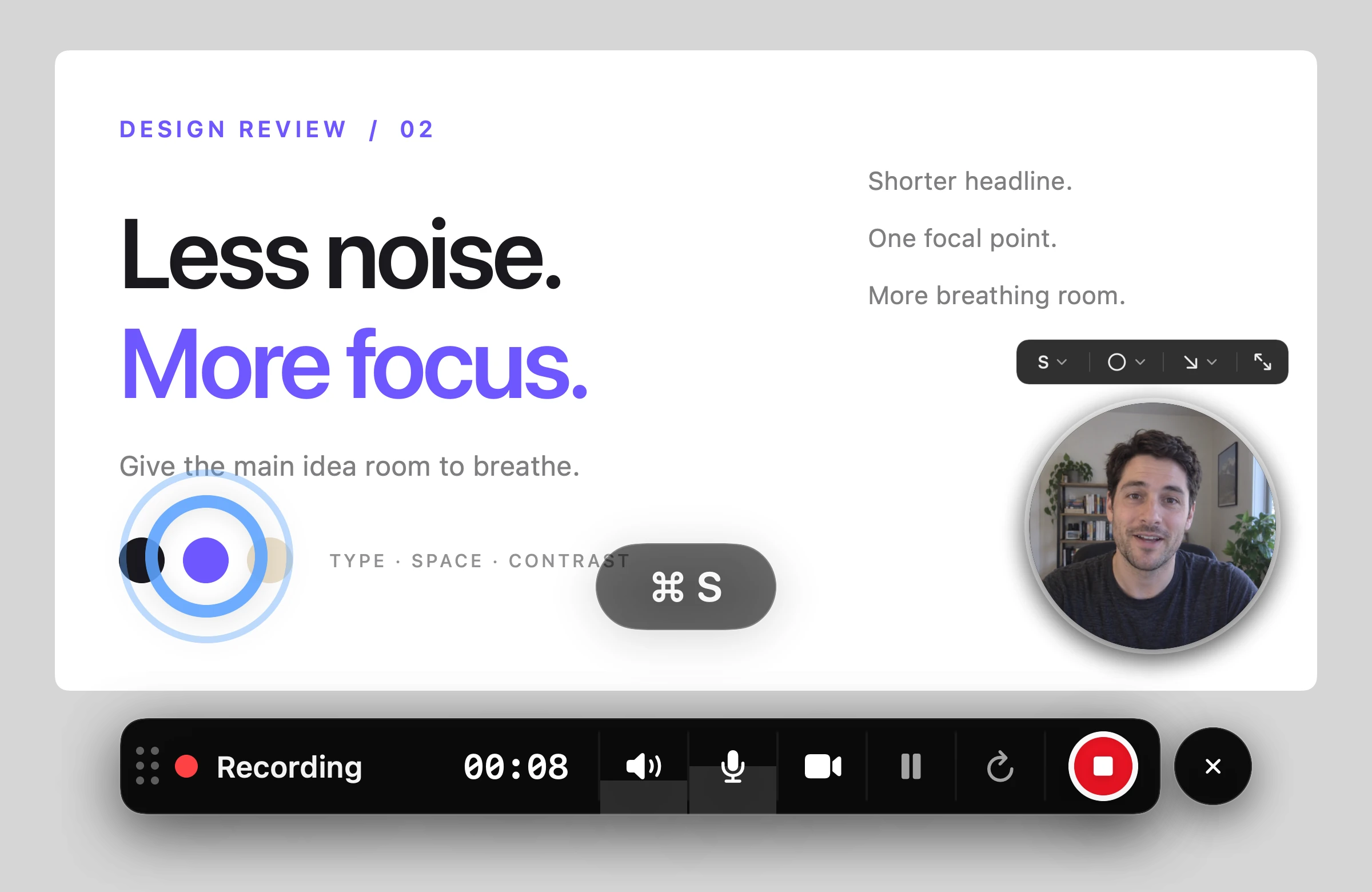
Pause, restart, keep going
Take a breather, restart a bad take, or wrap up, all from the small bar that stays out of your recording.
0:08
Screenshots, annotations, and recordings. Built for Mac.
macOS 14.6+ Free until Nov 30
SimplyShot is a Mac app for screenshots and screen recording. Open this page on your Mac to download it.
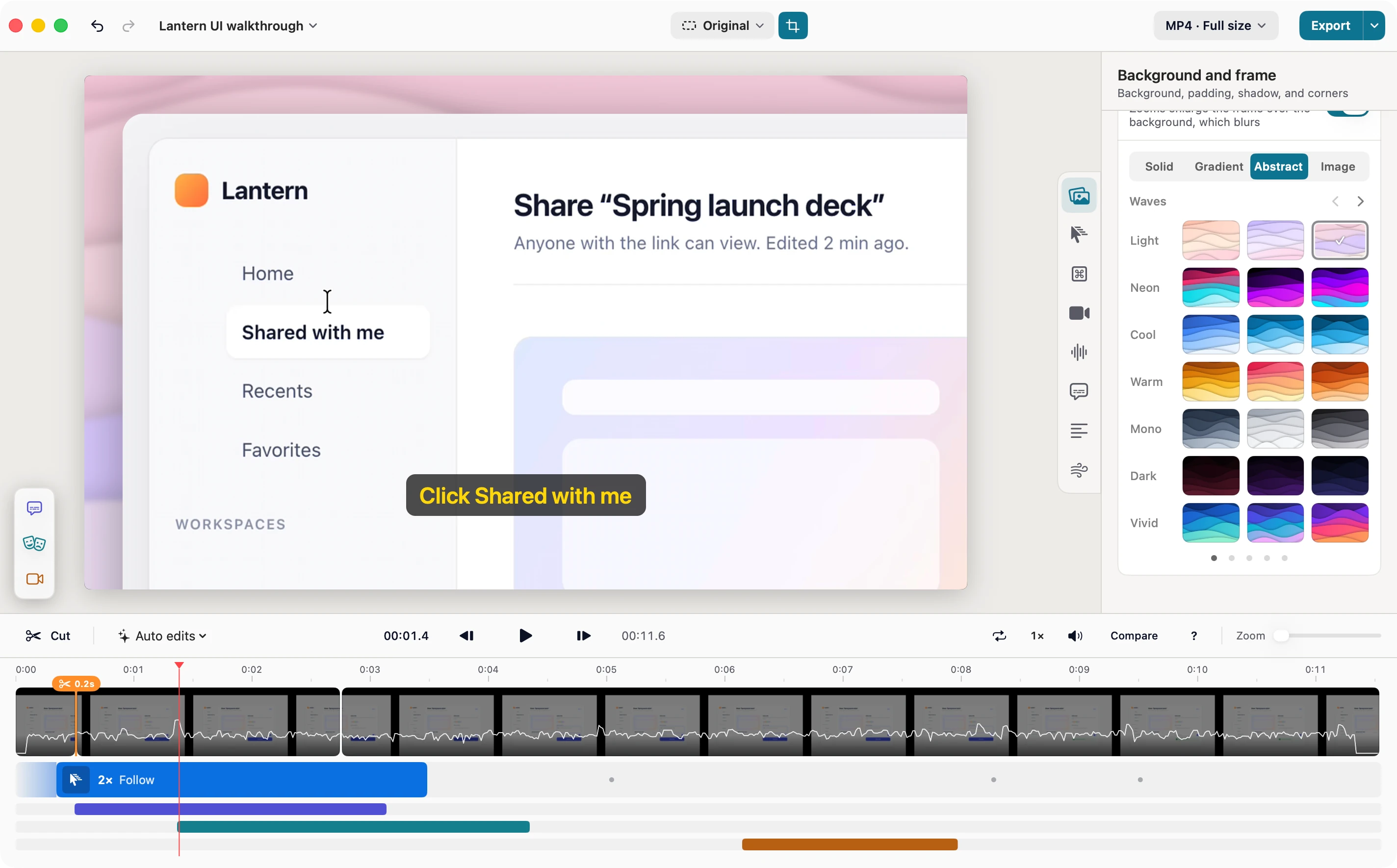
Open a recording in Studio and zooms are already waiting where you clicked and typed. Add captions and a background, cut the slow parts, and share something that looks produced, not just captured.
Cuts, zooms, and captions sit on one clear timeline, with your background and frame a click away. You see each change as you make it.
Studio suggests a zoom for every stretch of clicks and typing, so people see exactly what you did. Keep, move, or delete any of them.
Word-by-word captions from your microphone, made on your Mac. Fix any word, pick a style, and get an SRT file with your video.
Put it on the same backdrops as your screenshots, then pick a shape for YouTube, Reels, or a square post. Crop to fit.
Export an MP4 or a GIF at the size you need. Save the project and come back to it anytime.
Anyone with the link can view. Edited 2 min ago.
Lantern keeps the file in sync, so everyone sees the latest version.
Anyone with the link can view. Edited 2 min ago.
Lantern keeps the file in sync, so everyone sees the latest version.
Addaquicknotefortheteam,
Anyone with the link can view. Edited 2 min ago.
Lantern keeps the file in sync, so everyone sees the latest version.
Anyone with the link can view. Edited 2 min ago.
Lantern keeps the file in sync, so everyone sees the latest version.
Anyone with the link can view. Edited 2 min ago.
Lantern keeps the file in sync, so everyone sees the latest version.
Capture the whole screen, a window, or an area on video. Save it as video or GIF, or polish it in Studio.
Take a breather, restart a bad take, or wrap up, all from the small bar that stays out of your recording.
Circle, squircle, square, landscape, or portrait. Set its size and position, or mirror it.
Save an MP4, or a GIF with your own frame rate, size, and quality.
Highlight every click in your size, color, and style. Show the keys you press.
Record both, then set each one’s volume in Studio.
Record at your display’s full resolution, then export at full size or scale down to 4K, 1440p, 1080p, or smaller. Compact, Balanced, or Best quality.
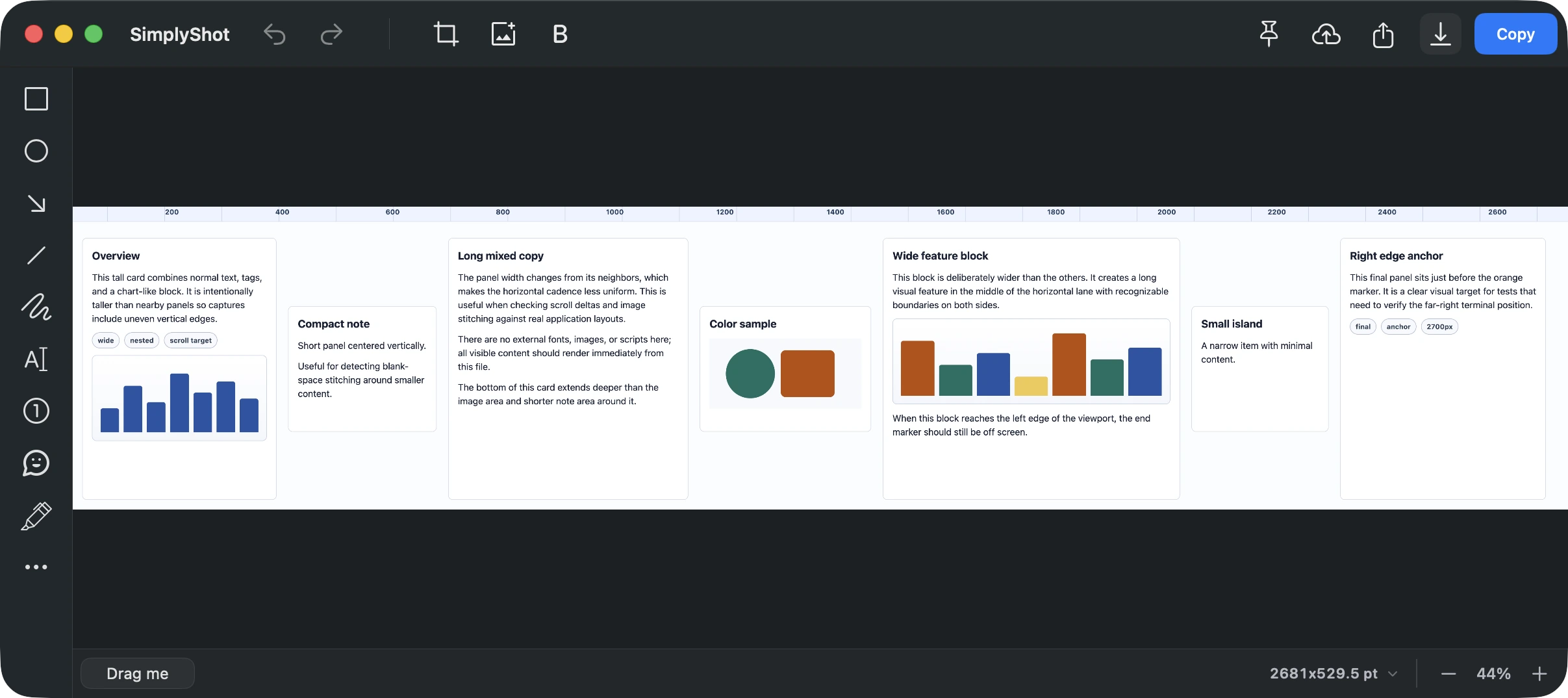
Point, highlight, hide, and polish, without leaving SimplyShot.
Detect sensitive info in your screenshots, then choose what to redact — all on your Mac.
Point at anything with arrows, rectangles, and ellipses.
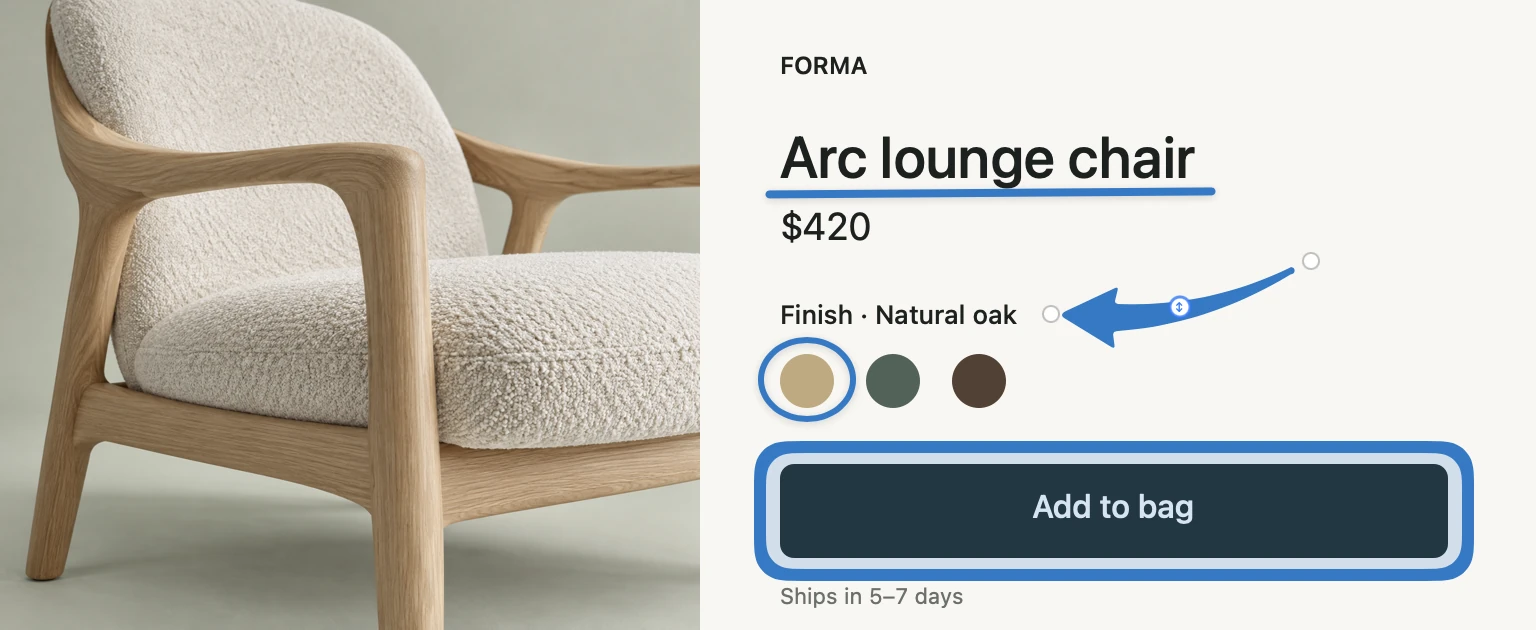
Select text in your screenshot to copy or redact. Text recognition runs on your Mac.
Add a gradient, padding, and shadow. Save your look as a preset.

Mark the words. Measure across and down.
Dim everything except the part you’re talking about.
Scroll and capture entire pages, not just what’s visible.
Drop it, share it, keep it close, find it later.
Recent captures wait in the corner. Drag one into whatever you’re working on.
Upload to your own S3, R2, B2, Spaces, or any S3-compatible bucket. The link lands on your clipboard.
Keep a capture floating over your work.
Your recent captures stay in Capture History on your Mac, ready to find again.
See Capture HistoryThe short answers, before you download.
Yes, and you don't need a key to start. Just download SimplyShot and use it for 7 days, within 10 days of first opening it.
New captures pause until you buy or activate a license. Everything you already made stays yours to edit and export.
Any Mac on macOS 14.6 Sonoma or later. Captions and transcripts work best on macOS 26 Tahoe or later.
macOS asks this of every app that captures the screen, even for a single screenshot. Without it, SimplyShot can't see what other apps show. You'll find it in System Settings under Privacy & Security.
No. It runs entirely on your Mac. Turn it on in Settings → Privacy, and SimplyShot flags things like passwords, card numbers, and emails before you share. Nothing is hidden until you choose.
To your own storage: AWS S3, Cloudflare R2, Backblaze B2, DigitalOcean Spaces, or any S3-compatible service. SimplyShot has no cloud of its own, so your files stay yours. Or just use the macOS Share menu.
macOS 14.6+ No key needed to start.
SimplyShot is a Mac app for screenshots and screen recording. Open this page on your Mac to download it.